
Office hours that never close.
AI office hours on a live video call. An AI professor that knows your course's lectures, draws on a whiteboard as it explains, and asks what you'd try first. Any hour.
Demo footage of an AI professor, not a real person.
See Brimeo with your courses
Book a call with our team for a live demo, or to learn how Brimeo could work at your school. Pick a time that works for you.
- A live demoTalk with an AI professor yourself and see how it teaches.
- Built from your lecturesHow a course and its professor get set up.
- Your questionsPilots, privacy, and anything else on your mind.
Calendar not loading? Book on Calendly instead
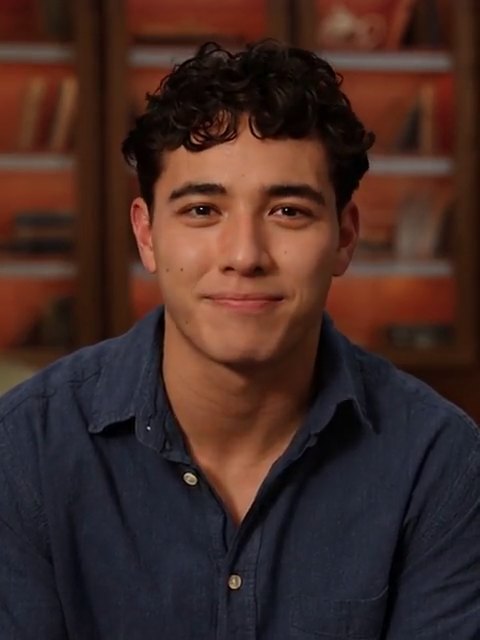
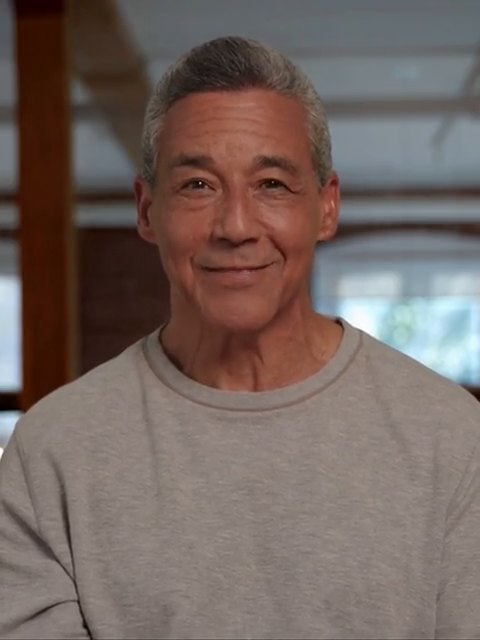
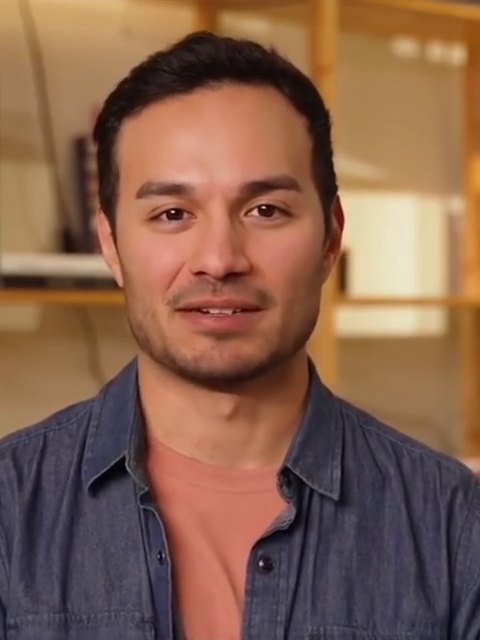
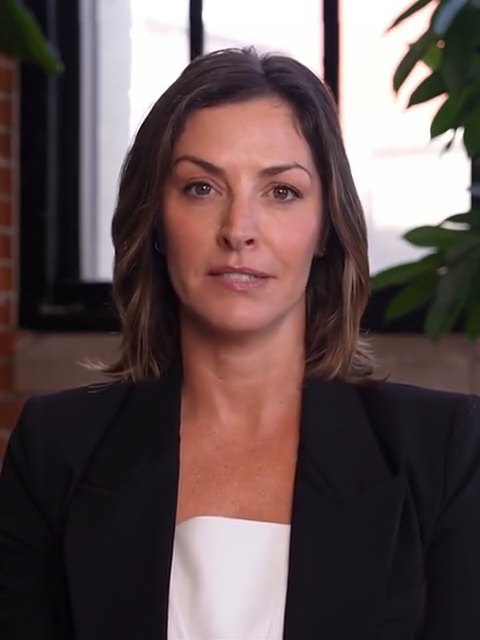
A professor for every course
Each course gets its own face, voice and way of teaching, built from that professor's lectures.
These are sample AI professors made for this demo, not real faculty.
How Brimeo helps when you're stuck
Brimeo ◉ listens to your question
Talk the way you would in real office hours. Half-formed questions and "wait, go back" are fine.
When you're stuck, it ✦ guides you
Hints first. The full idea only when you ask for it. On graded work, it's built to guide you, not hand you the answer.
Grounded in your curriculum
Every answer comes from your course: the lectures, readings and assignments your professor set, with a link back to the source.
The greenhouse effect
Quoted in your answer
Worked out one line at a time
Whatever the problem, the AI professor can grab the whiteboard and sketch out their thinking as they explain, just like in real office hours.
- 01Pick u and dv.
- 02Differentiate u, integrate dv.
- 03Plug into uv − ∫v du.
- 04Finish the last integral, and add + C.
Honest by design
Always upfront it's an AI
Ask and it tells you straight. It never pretends to be your professor.
Hands off what matters
Grades, extensions and personal matters go to your real professor.
Says when it's unsure
If the lectures don't cover it, it says so and flags it for your professor.
ENV 210 · Greenhouse effect review
A real conversation
Not a chatbot in a box. You talk, it listens, it answers out loud.
To the first word
Typical in our test calls. About as quick as a person replying.
Always open
The night before the exam, Sunday morning, between shifts.
Your own session
No line outside the office door, and no question is too basic.
Frequently asked questions
Is this actually my professor?
No. It's an AI professor built from your course's lectures, and it will tell you so if you ask. For grades, extensions or anything personal, it points you to the real professor.
Will it just give me the answers?
Not for graded work. It asks what you've tried and gives the smallest hint that helps, then a bigger one only if you're still stuck. For concepts from lecture, it explains as directly as you need.
What does it know?
Your professor's lectures and the course facts they've provided, like due dates and policies. If something isn't covered, it says it isn't sure and offers to flag the question for your professor, instead of making something up.
How do I know where an answer came from?
It tells you. Answers point back to the lecture they came from and roughly when, so you can rewatch that moment yourself.
Can it get things wrong?
Yes. It's an AI, and like any tutor it can make mistakes. It's built to stick to what your professor actually taught and to say when it isn't sure. For anything that counts toward your grade, check the lecture or ask your professor.
Can I interrupt it or ask it to slow down?
Yes. Talk over it the way you would in real office hours, and it stops and listens. Ask it to repeat something, explain it more simply, or go back a step.
Are there captions?
Yes. Everything said on the call is captioned live, both your words and the professor's. Captions are on by default and you can turn them off at any time.
What do I need to start?
A web browser and a microphone. Headphones give the cleanest conversation. Your browser will ask for microphone access when the call starts.
How long is a session?
You choose 5 to 30 minutes. The call ends on its own when time is up, and you can hang up whenever you like.
What if I'm having a really hard time?
Say so. It will gently point you to campus support, because some things deserve a person.
What does a professor need to provide?
Their recorded lectures, plus course facts like due dates and policies. We draft notes on how they teach, such as their analogies, phrasing and pace, and the professor reviews and edits them before any student sees the model.
Does it replace professors or TAs?
No. It extends office hours to the times nobody can staff them, like late nights and weekends before exams. Grades, extensions, accommodations and personal matters always go to the real professor.
How does it protect academic integrity?
On graded work it's built to give hints, not answers. It's instructed not to write out solutions, code or essays, and it asks students what they've tried before it helps.
What stops it from making things up?
Answers are grounded in the professor's own lectures and course facts, and point back to the lecture they came from. When something isn't covered, it says so and offers to flag the question for the professor.
Can professors control what it says?
Yes. Professors review how their model teaches before launch, decide which lectures and course facts it draws on, and can have it switched off at any time.
How is student data handled?
We agree on data handling with each school's IT and legal teams before launch, following that school's student privacy rules, including FERPA. Book a call and we'll walk you through the details.
Does it work with our LMS?
Today it runs in any modern web browser, so students can open it from a link on the course page. Brightspace, Canvas and Kaltura integrations are on the way.
What does it cost?
It depends on the number of courses and students. Book a call and we'll put together a quote for your school.
How do we try it?
Start with a call. We'll give you a live demo, then set up a pilot with one or two courses so you can see how students use it before you decide anything bigger. Book a call.
Still have questions? Book a call with our team.




When your professor's asleep, our AI office hours aren't.
Bring the question you're stuck on. Get it explained step by step, straight from your course's lectures.
Start office hours